
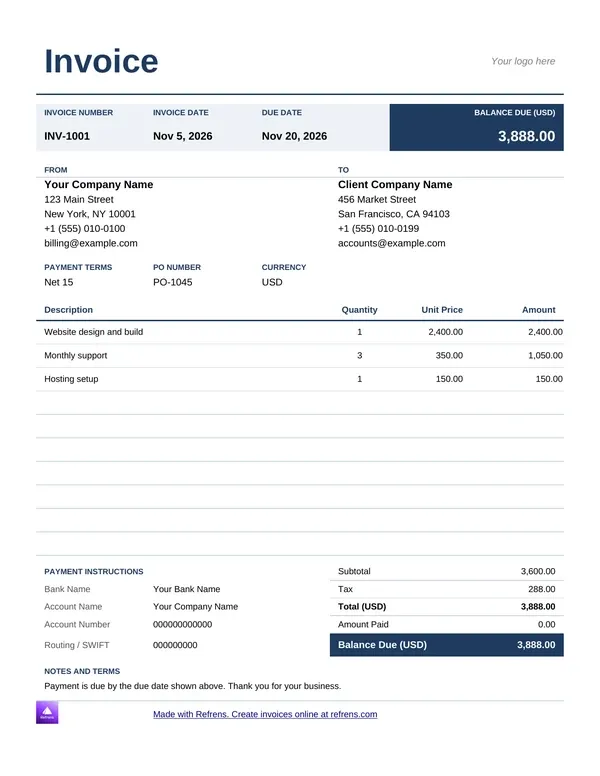
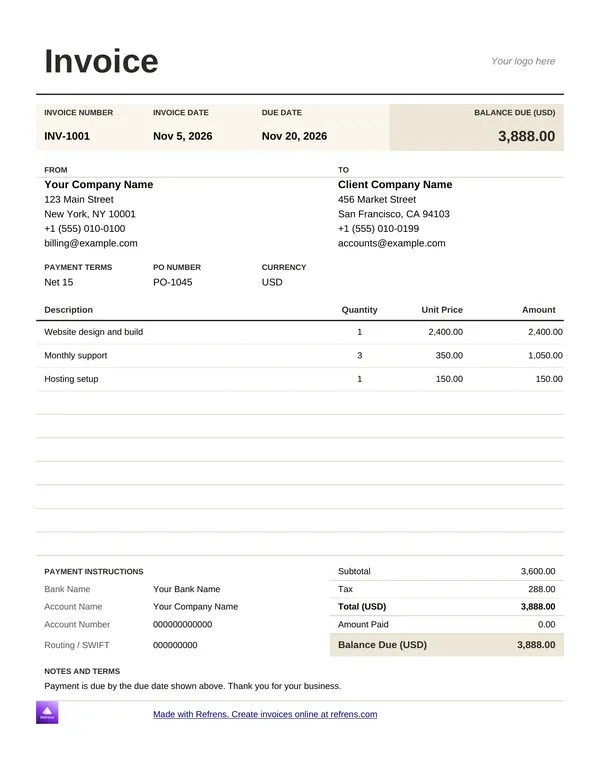
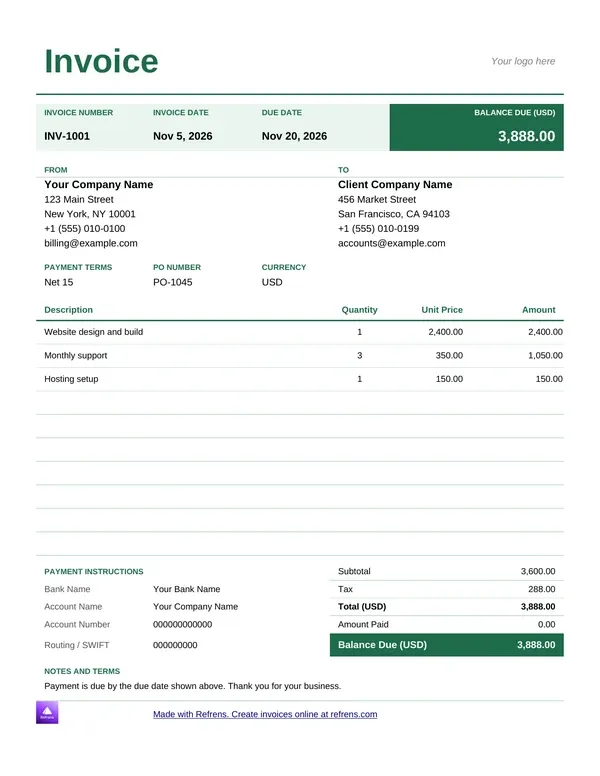
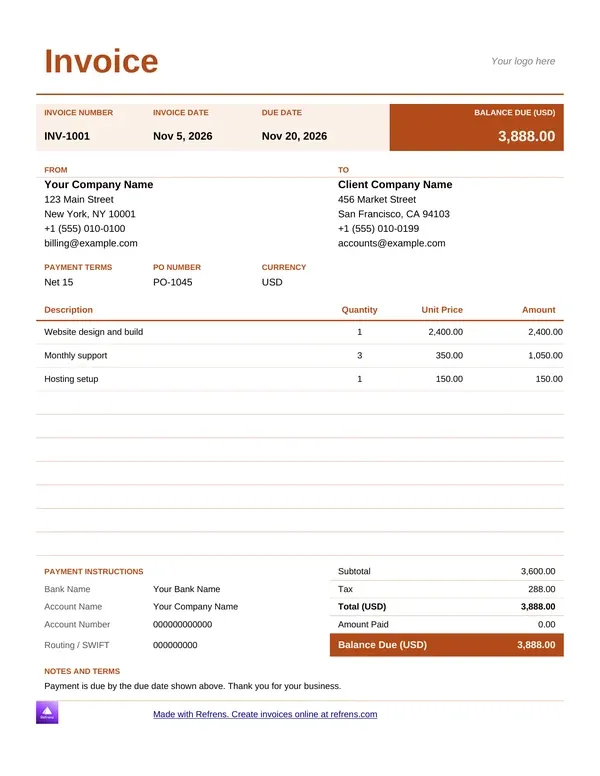
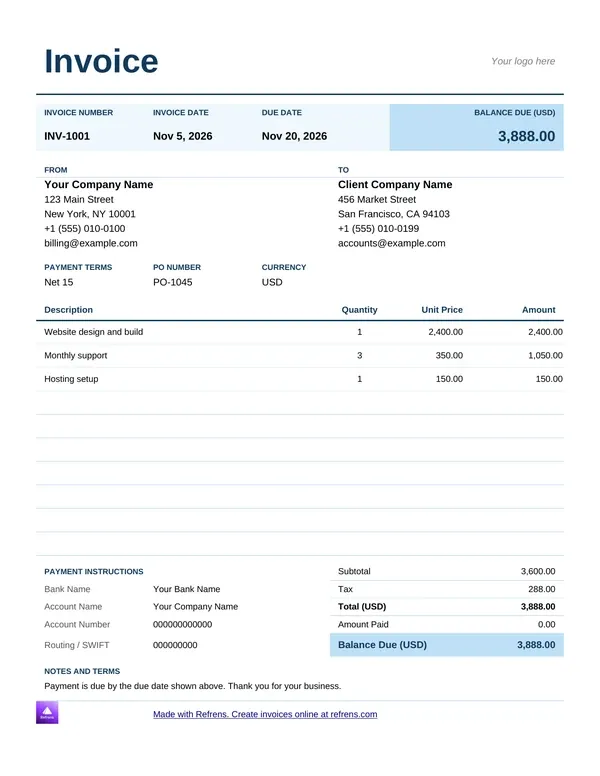
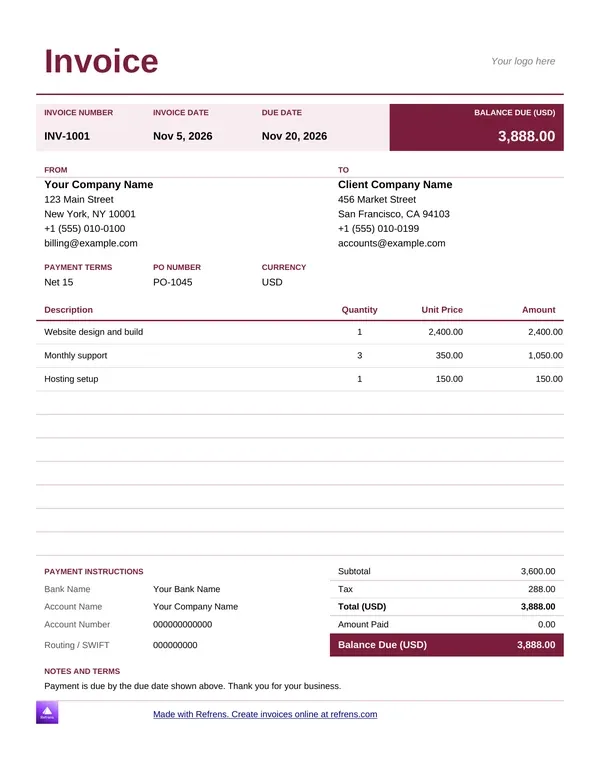
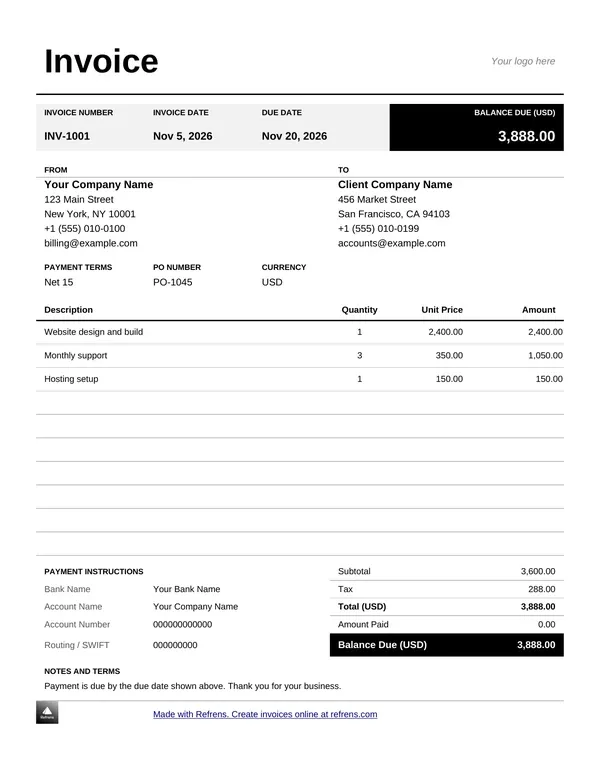
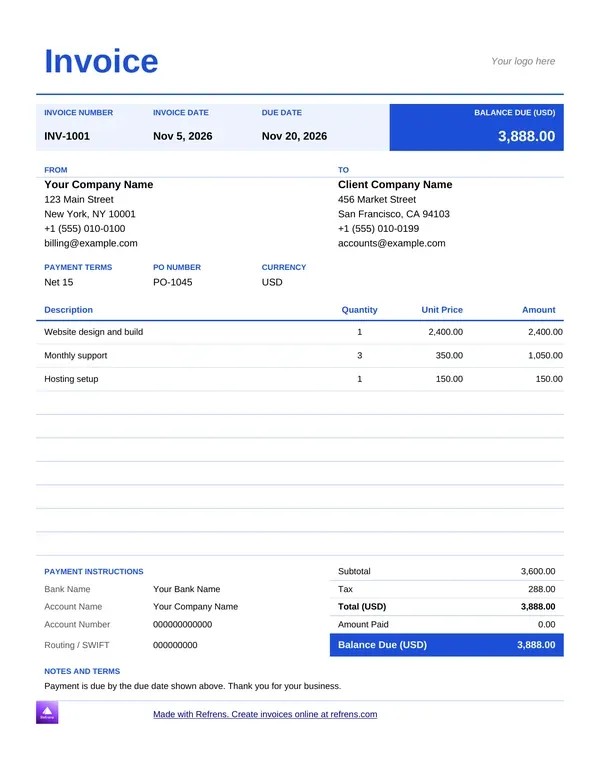
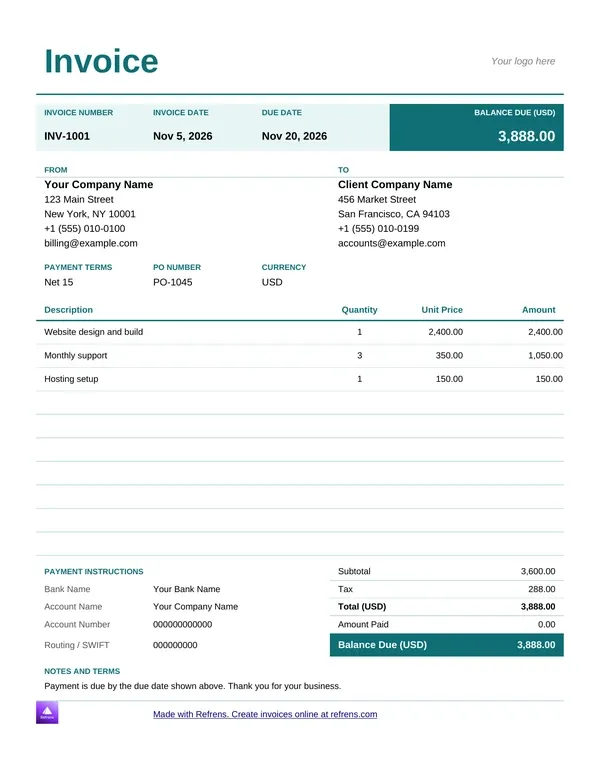
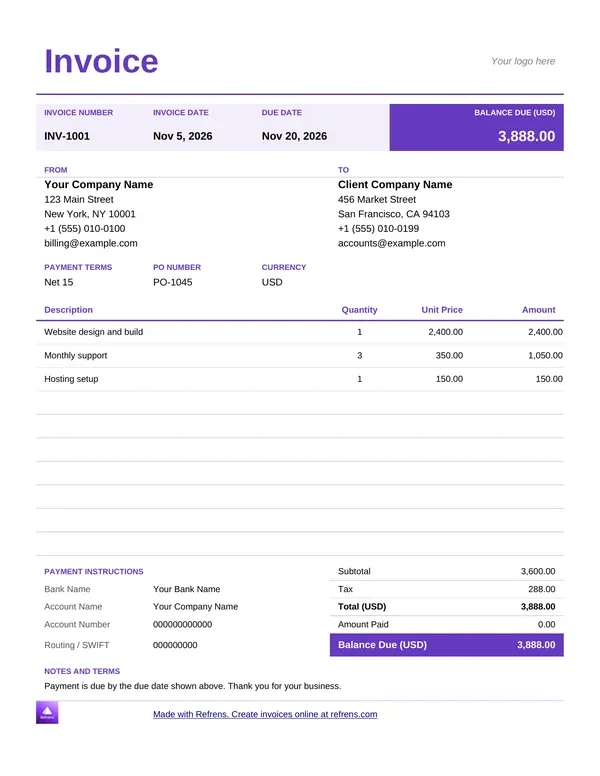
A good invoice template saves you ten minutes on every invoice. A bad one costs you a payment.
This page helps you pick from our free invoice templates. Choose from 6 online invoice template designs that make a PDF, or download a Word or Excel file. Each design carries a bank details section, so clients know where to pay. Below you will find how to choose, how to compare, and a worked example.
An invoice template is a ready-made invoice layout. It has the title, the number, the dates, the parties, the item table, the totals and the payment details. You add your own details and send it.
An invoice template is a ready-made layout that holds every field an invoice needs, so you fill in only what changes at each sale.
Here is a plain example. A distributor ships goods on Monday. She opens a template, adds the client and the items, and sends the invoice before lunch. The layout never changes. Only the details do.
An invoice format is the set of fields the document holds. A professional invoice template shows all of them clearly.
Tax rules and required fields differ by country. This page gives general guidance. It is not legal or tax advice.
Add your details in step 1 of the form above, then pick a design in step 2.
The online designs carry a bank details section. Add your bank name, account name and account number in the form, and the client sees how to pay. That makes each design an invoice template with bank details.
You can download the PDF with a free account, send it by email or print it.
Start with what you sell and how you send invoices.
Free invoice templates differ in three ways: the file you get, who edits it and where the numbers come from.
Use the invoice templates in Word when words matter most. Use the invoice templates in Excel for long lists in rows and columns.
The Word and Excel files carry a small Refrens branding at the bottom of the page, and you can remove it. If 15 documents are not enough to judge the online invoice generator, a Refrens sales person or account manager can extend your trial, so you can decide before you upgrade.
The templates cost nothing. The Word and Excel files need no signup, no email and no payment. You can download as many as you like.
The online designs need a free account. That account covers 15 documents a year across all document types. Some features sit on paid plans. You decide whether to upgrade after you see the product at work.
A professional invoice template looks the same every time and answers every question the client might ask. Clients trust an invoice that is easy to read and easy to pay.
No template makes an invoice compliant on its own. Required fields differ by country, so check your local rules. This page makes no legal claims.
The Word and Excel files open in Google Docs and Google Sheets, which can import both file types. Upload the file to your Drive and open it. Check the layout, because fonts and spacing can shift. When the invoice is ready, save it as a PDF before you send it.
An invoice without bank details starts a conversation. The client emails you, you reply and the payment waits. A bank details block ends the exchange.
Put the bank name, the account name and the account number in the same place on every invoice. Add the due date next to it. In the online designs you add them in the form, and they print on the invoice.
In Refrens, an invoice template PDF always comes from the online form. Fill in the form, pick a design and download the PDF with a free account. You can also email the invoice or print it.
For an invoice template PDF you edit yourself, open a Word or Excel file, fill it in and save it as a PDF from your own app.
Illustrative example. We invented the business, the items and the rates.
A wholesale distributor bills a retailer with the shipping details design.
Cotton towels: Quantity 100, Rate (USD) 4.20, Amount (USD) 420.00
Bed sheets: Quantity 40, Rate (USD) 11.50, Amount (USD) 460.00
Pillow covers: Quantity 60, Rate (USD) 2.75, Amount (USD) 165.00
Subtotal: 420.00 + 460.00 + 165.00 = 1,045.00 USD
Shipping: 35.00 USD, so 1,080.00 USD
Tax at 5%: 1,080.00 × 0.05 = 54.00 USD
Total: 1,080.00 + 54.00 = 1,134.00 USD
In this illustrative example, an invoice for 1,045.00 USD of goods comes to 1,134.00 USD after 35.00 USD shipping and 5% tax.
The invoice carries the shipping details, the bank details and a due date, so the retailer knows where the goods go and how to pay. The distributor sends ten more invoices that week, and each one repeats the same layout.
A manual invoice format is an invoice you fill in by hand. You print a template, write on it and keep a copy. Use the printable invoice templates for this. They have rows tall enough for a pen.
The example shows the friction. The distributor retypes the same client details and items on each invoice.
Use invoicing software for small business when you invoice every week. It saves your clients, numbers each invoice, calculates the totals and shows what is paid. Send a quote first? Free quotation software carries the quote into the invoice. You can also draft a one-off invoice with the free invoice generator or send a quote with the free quotation templates.
Use a template when you send a few invoices a month. Move to the software when you retype the same details every time.
Scroll up, pick an online invoice template design and download the PDF with a free account. Or download a Word or Excel invoice template free. More than 150K businesses across 170+ countries send quotations and invoices with Refrens.
An invoice template is a ready-made invoice layout. It holds the title, number, dates, parties, items, totals and payment details, so you fill in only what changes at each sale. Refrens offers online designs, Word files and Excel files.
An invoice format should include a title, a unique number, the invoice date and due date, your details, your client's details, the items with quantity and rate, discounts, tax, the total, bank details and terms. Use the field table above as a checklist.
An invoice and a bill are the same document in most everyday use. Some people say bill for a smaller sale and invoice for a business sale. The fields do not change. A bill format and an invoice format carry the same information.
Yes. The Word and Excel invoice templates are free to download with no signup, and you can download as many as you like. The online designs need a free account and cover 15 documents a year across all document types. The files carry a small Refrens branding that you can remove.
Yes, from the online form. Fill in the form, pick a design and download the PDF with a free account. In Refrens, an invoice PDF always comes from this form. For a PDF you edit yourself, fill in a Word or Excel file and save it as a PDF from your own app.
A manual invoice format is an invoice you fill in by hand on paper. Print a template, write the client, the items and the total, and keep a copy. The printable invoice templates have rows tall enough for a pen.
The best template is the one your clients read and pay without a question. Pick a design with your logo, a unique number, a due date, itemised lines and bank details. Use the same design every time, so your invoices look consistent.
About Refrens. Refrens is invoicing and quotation software for small businesses, freelancers and service businesses. Create invoices, send quotations and collect payments in one place.


