
Partner Icon
Become a Refrens PartnerLearn More

Free Invoice Templates in Word

Downloadable Invoice Templates in Word for FREE

Customize and Download as PDF. Unlimited Invoices

Download Free Invoice Templates in Word

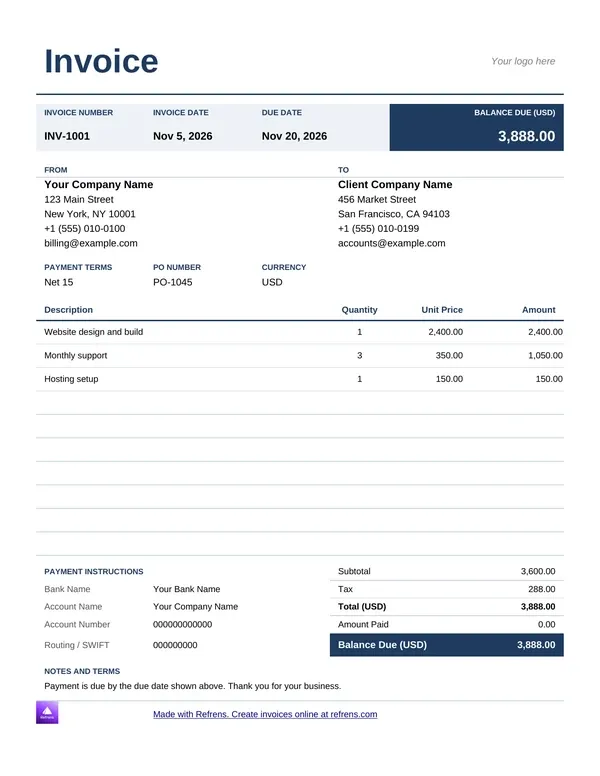
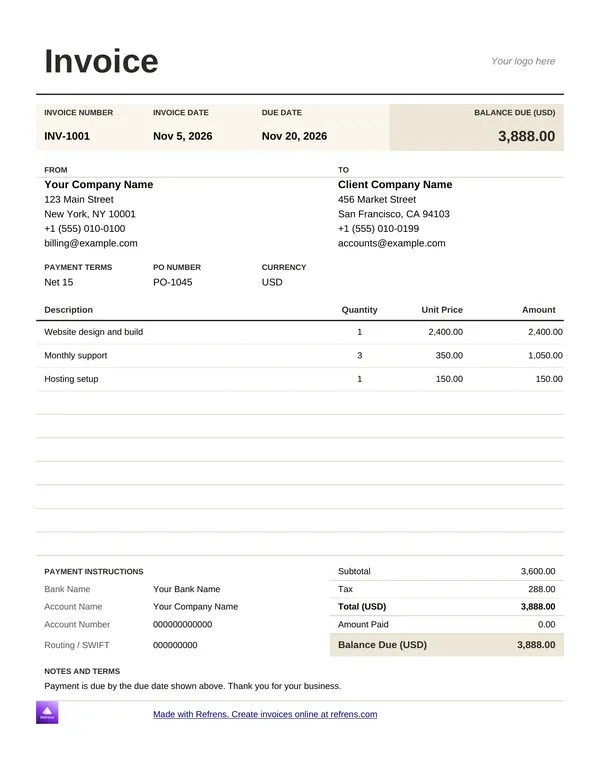
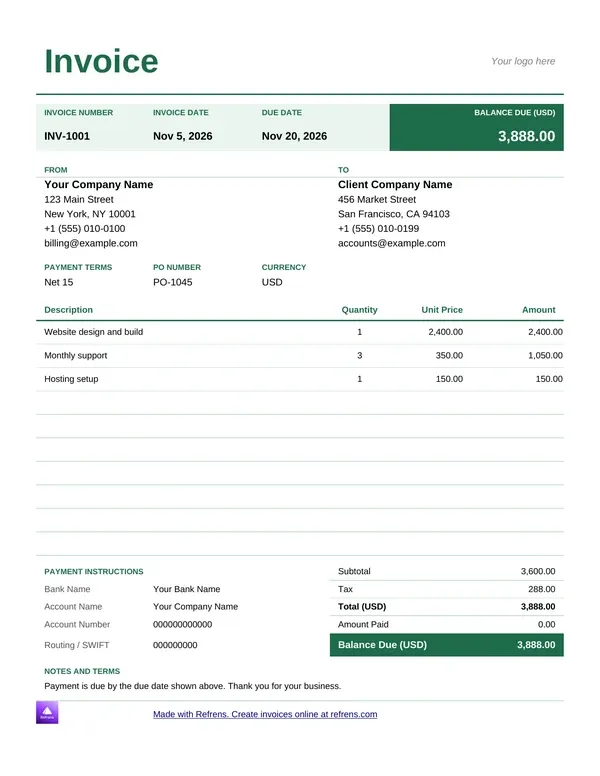
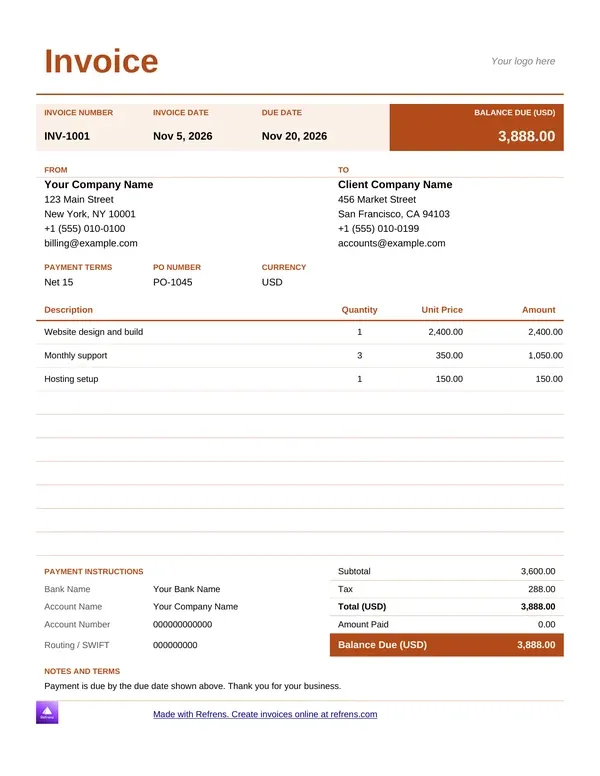
Pick a colour, preview the template, and download it as an editable Word (.docx) file.

Word Invoice Template in PDF (Add invoice details and download it in PDF format.)

1
Add Invoice Details
2
Design & Share (optional)
1
Add Invoice Details
2
Design & Share (optional)

Invoice Templates Word

Download Invoice Templates in Word Format
Create Free Invoice Online
Invoice Template Word
Bill Format Word
Bill Format Word
Invoice Template Word
Invoice Template
Invoice Template
Invoice Template Word
Invoice Template in Word
Invoice Template
Invoice Template

Invoice Templates in Word

A Word invoice gives you a page you can write on freely. Add a note, a term, a thank-you line. Nothing stops you.

This page gives you a free invoice template Word file you can edit in minutes. Download it, add your details and send it. You can also create an invoice online and save it as a PDF. Below you will find the bill format in Word, a worked example, and the checks that keep an edited invoice accurate.

What is an invoice template in Word?

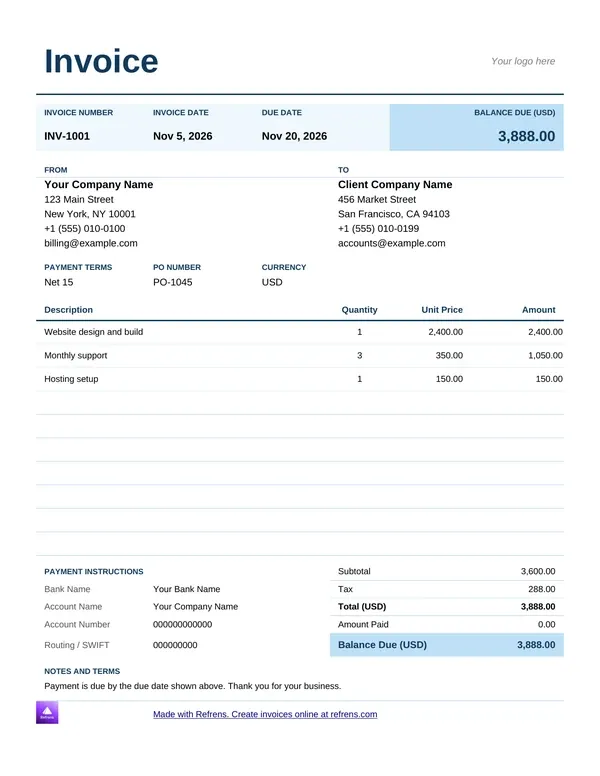
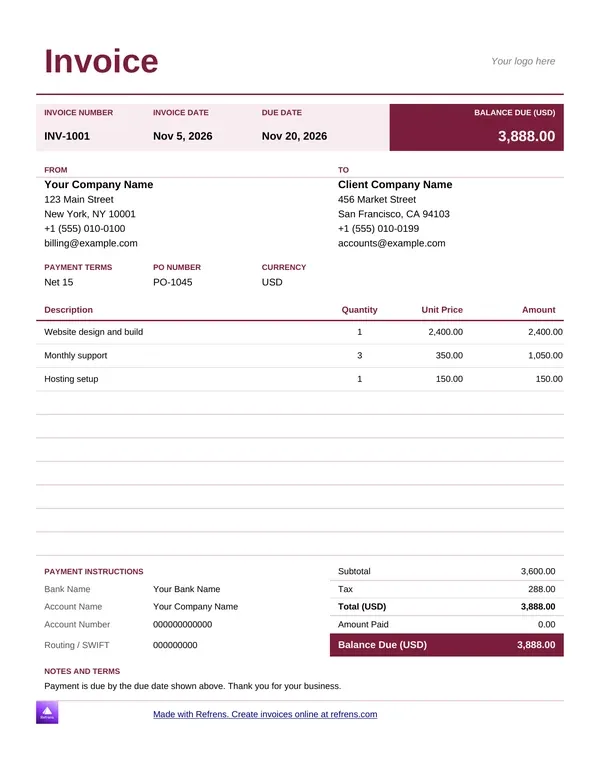
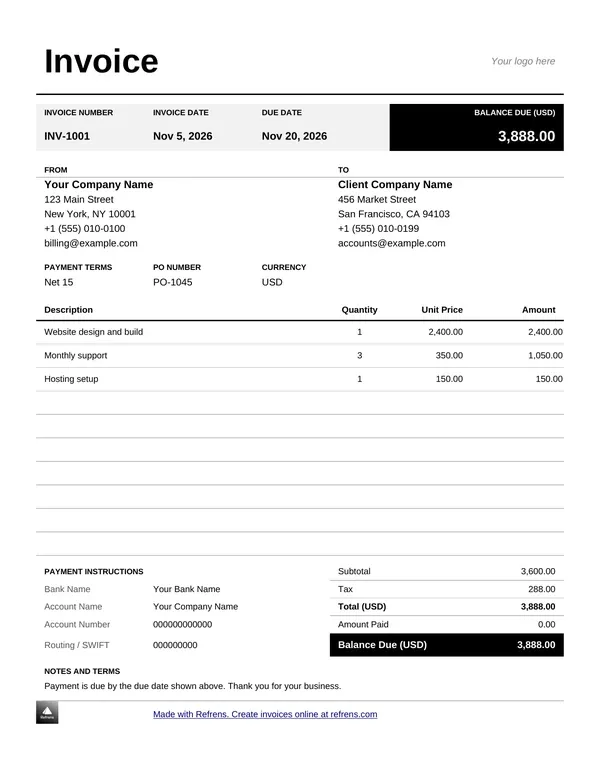
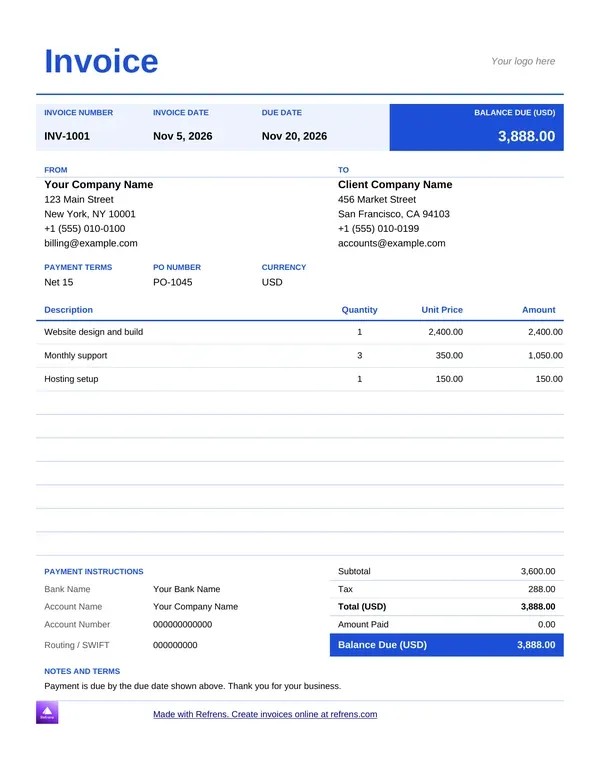
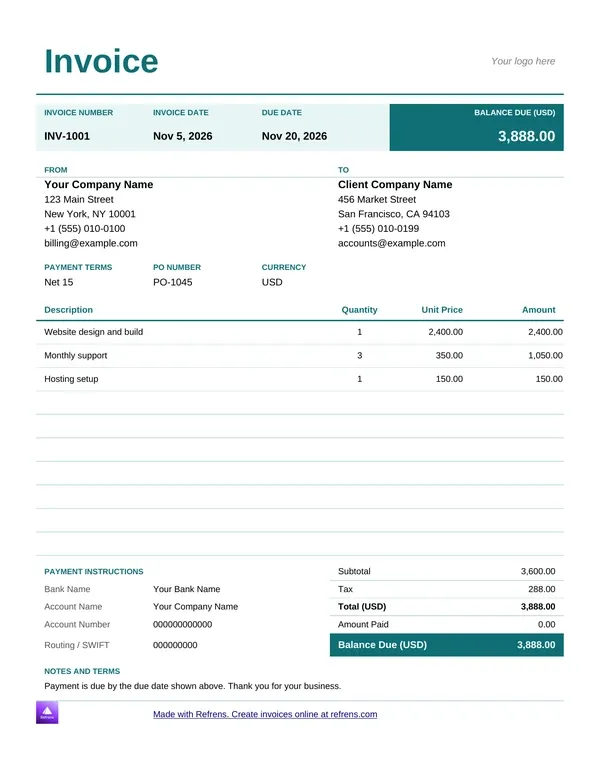
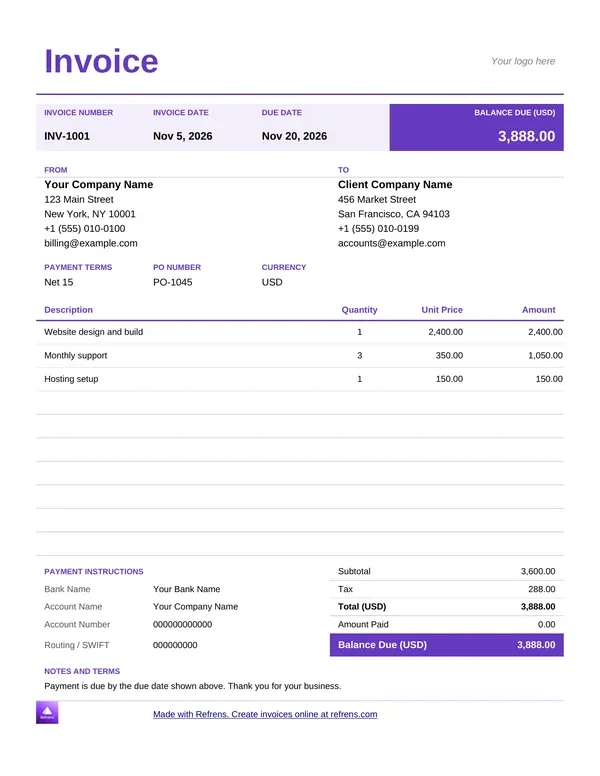
An invoice template in Word is a document that already holds the layout of an invoice. It has the title, the number, the dates, the parties, a table for the items and the total. You replace the sample text with your own details. The Refrens Word invoice templates add up the amounts and the total for you.

Many people say bill, others say invoice. The document and its fields are the same. A bill format in Word and an invoice template in Word do the same job. People also search for an invoice bill format in Word or an MS Word bill format. Both mean this document.

A Word invoice template is an editable document that holds an invoice layout and calculates each line amount and the total from the quantities and rates you enter.

Use Word when the invoice needs words as well as numbers. It suits a consultant who adds a scope note, a studio that lists terms, or anyone who wants to adjust the layout by hand.

Invoice template Word free download in three steps

  1. Pick a template. Choose a Word invoice template in the gallery above. The file downloads at once.
  2. Fill it in. Add your business details, your client's details, the invoice number and the date. List each item with a quantity and a rate.
  3. Check, save and send. Compare the total with your own sum. Save the file, then send it by email or print it.

You need no signup, no email and no payment. Each free invoice template Word file downloads at once, and you can download as many as you like.

Word template or online invoice: which should you use?

Refrens gives you two routes. Pick by how you work.

  • Word invoice template. What you get: An editable Word file. Account: None. Limit: Unlimited downloads.
  • Online invoice generator. What you get: A PDF invoice. Account: Free account. Limit: 15 documents a year across all document types.

Refrens offers 11 Word invoice templates. Use a Word template when you want to edit the page yourself and keep the file on your computer. Use the online generator when you want a finished PDF without formatting anything.

Unlimited downloads of the Word templates need no signup. The files carry a small Refrens branding at the bottom of the page, and you can remove it. The online generator needs a free account. If 15 documents are not enough to judge the product, a Refrens sales person or account manager can extend your trial, so you can decide before you upgrade.

Bill format in Word: what each part carries

A good bill format in Word reads from top to bottom. The client sees who sent it, what it covers and how to pay, in that order.

  • Top. Field: Title and number. What to enter: "Invoice" and a unique number. Status: Good practice.
  • Top. Field: Dates. What to enter: The invoice date and the due date. Status: Good practice.
  • Top. Field: Your details and logo. What to enter: Business name, address, contact. Status: Good practice.
  • Upper middle. Field: Client details. What to enter: Name and billing address. Status: Good practice.
  • Middle. Field: Items table. What to enter: Name, quantity, rate, amount. Status: Good practice.
  • Lower middle. Field: Discounts and tax. What to enter: A labeled percentage or amount. Status: Local rules decide.
  • Lower middle. Field: Total. What to enter: The total with the currency. Status: Good practice.
  • Bottom. Field: Payment details. What to enter: Bank name, account name, account number. Status: Good practice.
  • Bottom. Field: Terms and notes. What to enter: Late fees, thanks, conditions. Status: Good practice.

Tax rules and required fields differ by country. This page gives general guidance. It is not legal or tax advice.

How to edit a Word invoice without breaking it

A Word invoice is a document, so small edits can move the page. Follow these steps.

  1. Edit inside the table. Type in the cells. Do not press Enter to add space, because it shifts the layout.
  2. Add a row with the table tools. Click in the last row and use the insert row option. Copy the amount pattern from the row above.
  3. Replace the logo. Click the sample logo and swap it for yours. Keep the same size.
  4. Check the totals. The template recalculates after each change. Add the amount column yourself once to confirm.
  5. Save as PDF before you send. A PDF keeps the layout and stops the client from editing your figures.

Invoice template Word sample: a consultant bills a retainer

Illustrative example. We invented the business, the services and the rates.

A consulting firm bills a client for one month. It uses a Word invoice template. The firm enters the quantities and rates, and the template calculates the rest.

  • Monthly advisory retainer: Quantity 1, Rate (USD) 2,400.00, Amount (USD) 2,400.00

  • Strategy workshop: Quantity 2, Rate (USD) 450.00, Amount (USD) 900.00

  • Travel costs: Quantity 1, Rate (USD) 180.00, Amount (USD) 180.00

  • Subtotal: 2,400.00 + 900.00 + 180.00 = 3,480.00 USD

  • Tax at 6%: 3,480.00 × 0.06 = 208.80 USD

  • Total: 3,480.00 + 208.80 = 3,688.80 USD

In this illustrative example, a Word invoice for 3,480.00 USD of consulting comes to 3,688.80 USD after 6% tax.

Now the cross-check. Add the amounts down the column. Then multiply each quantity by its rate and add those across. Both must give 3,480.00, so the firm knows every rate is right. The firm adds the terms line "Payment due in 14 days" and saves the file as a PDF.

The firm sends the same layout to five more clients that week. Each one needs a new number and new client details, all typed by hand.

Where a Word invoice breaks

The template does the sums. It cannot judge what you type into it. Watch these.

  • A mistyped rate. You enter 45.00 as 4.50. The total follows your input, so the client pays the wrong amount. Run the cross-check before you send.
  • A row that pushes the page. An extra item splits the table across two pages. Check the print preview.
  • Fonts that shift. The client opens your file on a computer without your font, and the layout moves. Send a PDF.
  • Tracked changes left on. The client sees your edits and the old figures. Accept all changes before you send.
  • Two files with one number. You save a copy and send the old one. Rename each version and keep one number series.
  • No due date. The client pays when it likes. Always enter a date.

What a Word template does not do

A Word file helps you write one invoice. It has limits:

  • It does not number your invoices. You keep the series by hand.
  • It does not tell you when the client opens the invoice or when they pay.
  • It does not save your clients. You retype their details each time.
  • It does not check local tax rules. Confirm the required fields for your country.

The online generator builds a PDF from a form, one document at a time. Your Refrens account handles the rest.

From a Word invoice to invoicing software

The example shows the friction. The firm retypes the client details on every invoice, and a mistyped rate flows straight into the total.

Use invoicing software for small business when you invoice every week. It saves your clients, numbers each invoice and shows what is paid. Send a quote first? Online quotation software carries the quote into the invoice, so you never retype the job.

Some features sit on paid plans. Use a template when you send a few invoices a month. Move to the software when you retype the same details every time.

Which document do you need?

Match the document to the job.

Create your invoice

Scroll up, pick a Word invoice template and download it free. Want a PDF instead? Fill in the form on this page and download it with a free account. More than 150K businesses across 170+ countries send quotations and invoices with Refrens.

Frequently asked questions

Where can I download a free invoice template in Word?

You can download a free invoice template in Word from this page. Pick a template in the gallery and the file downloads at once. You need no signup, and you can download as many as you like. The files carry a small Refrens branding that you can remove.

What is a bill format in Word?

A bill format in Word is an invoice layout in a Word document. It has a title, a number, the dates, your details, your client's details, an items table, the total, payment details and terms. Many people say bill, and many say invoice. The fields are the same.

How do I edit an invoice template in Word?

Type directly into the cells of the template. Add a row with the table tools, replace the logo with yours and add your terms. Then check the totals, which the template recalculates. Save the file as a PDF before you send it, so the layout holds.

How do I check a Word invoice before I send it?

Check five things: the invoice number is new, the dates are right, the client details match, the rates are correct and the total is right. The template adds up the amounts. To check the total, add the amount column down, then multiply each quantity by its rate and add those across. Both must match.

Is a Word invoice better than an Excel invoice?

Both calculate the totals. A Word invoice suits documents with notes, terms and a custom layout. An Excel invoice suits long item lists in rows and columns. Pick Word when words matter most.

Can I send a Word invoice as a PDF?

Yes. Save or export the Word file as a PDF and send that, so the client cannot edit your figures. You can also create the invoice with the Refrens online generator and download the PDF with a free account. That route covers 15 documents a year across all document types.

When should I stop using Word for invoices?

Stop when you retype the same client details every time or lose track of who has paid. A Word file suits a few invoices a month. Invoicing software saves your clients, numbers each invoice and shows what is paid.

About Refrens. Refrens is invoicing and quotation software for small businesses, freelancers and service businesses. Create invoices, send quotations and collect payments in one place.


Made with and in Bengaluru.

Refrens Internet Pvt. Ltd. | All Rights Reserved
This site is protected by reCAPTCHA and the Google Privacy Policy and Terms of Service apply.
Refrens ISO Certificate
